Base64 Encode and Decode Explained for Developers
Base64 encode and decode explained clearly: how it works, why developers use it, how to do it in JS/Python/bash, and the most common mistakes to avoid.
You encounter Base64 everywhere as a developer — JWT tokens, data URIs, email attachments, API credentials, environment variables — but it’s one of those things that’s easy to use without fully understanding. And not understanding it leads to real bugs: corrupted data, broken images, mangled binary files.
This post explains exactly what Base64 encoding is, why it exists, when to use it (and when not to), and how to encode and decode in JavaScript, Python, and the command line.
TL;DR: Base64 converts binary data to safe ASCII text using 64 printable characters. To encode or decode instantly, use GoGood.dev Base64 Encoder — paste text or upload a file, get the result in real time.
What is Base64 encoding?
Base64 is a binary-to-text encoding scheme. It takes raw bytes — which may include unprintable characters, null bytes, or characters that have special meaning in various protocols — and converts them to a string of 64 safe, printable ASCII characters: A–Z, a–z, 0–9, +, /, with = used for padding.
The name “Base64” refers to the 64-character alphabet used. Each Base64 character represents 6 bits, so 3 bytes of input (24 bits) become 4 Base64 characters (24 bits). This is why Base64 output is always ~33% larger than the input.
Example:
Input text:  "Hello"
As bytes:    72 101 108 108 111
Base64:      SGVsbG8=
The = at the end is padding — it’s added to make the output length a multiple of 4 characters.
Why Base64 exists
Base64 was designed to solve a specific problem: some communication channels and protocols were designed to handle text, not arbitrary binary data. If you tried to send raw binary through them, certain byte values would be misinterpreted as control characters, line endings, or encoding markers.
The main scenarios where Base64 still matters:
Email attachments (MIME) Email was built in the 1970s for plain text. The MIME standard introduced Base64 as the way to include binary attachments (images, PDFs, executables) in a text-based email message. Your email client handles this silently every time you send or receive an attachment.
Data URIs in HTML/CSS You can embed an image directly in HTML or CSS without a separate HTTP request by encoding it as a data URI:
<img src="data:image/png;base64,iVBORw0KGgoAAAANSUhEUgAA..." />This works for small icons and inline images where you want to avoid an extra network round-trip.
HTTP Basic Authentication
HTTP Basic Auth encodes credentials as Base64(username:password) and sends them in the Authorization header:
Authorization: Basic dXNlcjpwYXNzd29yZA==Note: Base64 is not encryption. Anyone who intercepts this header can decode it immediately. Always use HTTPS with Basic Auth.
JWT tokens
The header and payload sections of a JWT are Base64url-encoded JSON (Base64url is a variant that replaces + with - and / with _ to make the string URL-safe). This is why you can decode a JWT payload in the browser without any key or secret.
Storing binary in text formats Config files, environment variables, and JSON APIs are text-based. If you need to store a binary value (a cryptographic key, a certificate, a small image) in one of these, Base64 is the standard way to represent it as text.
How to base64 encode and decode
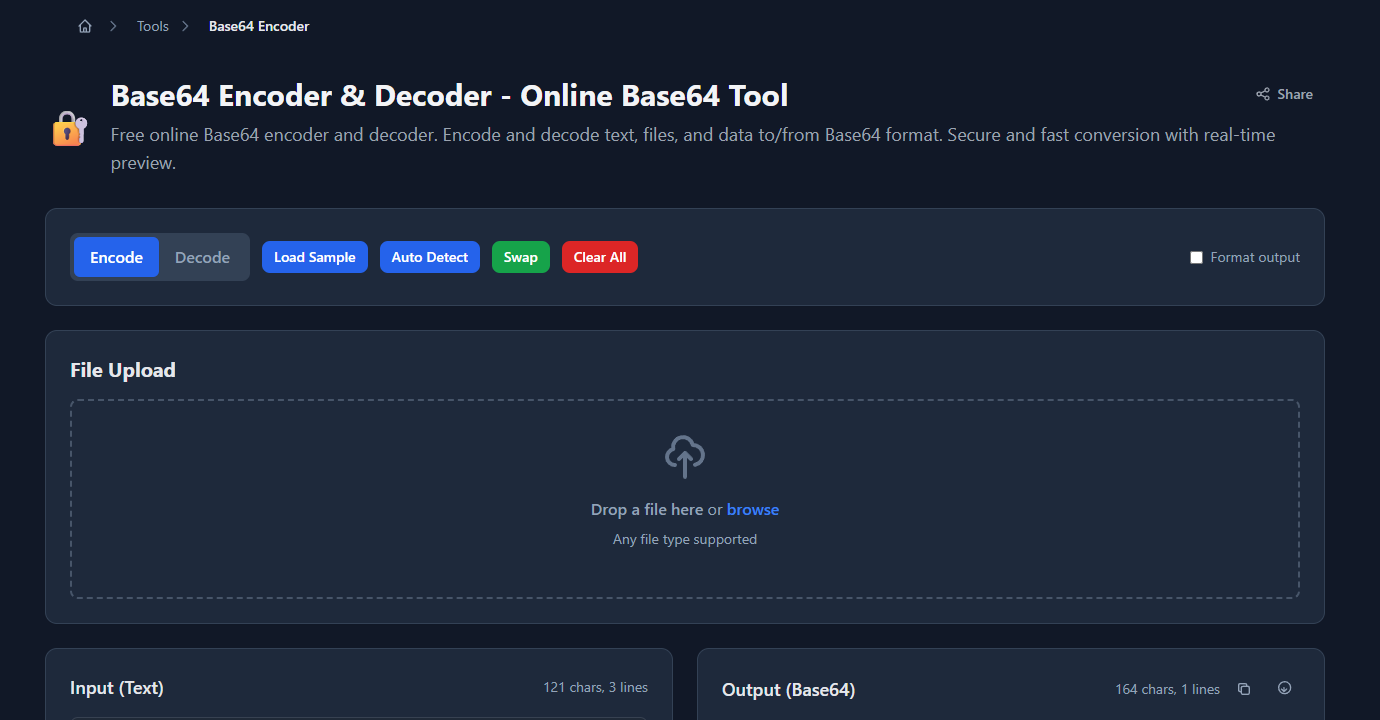
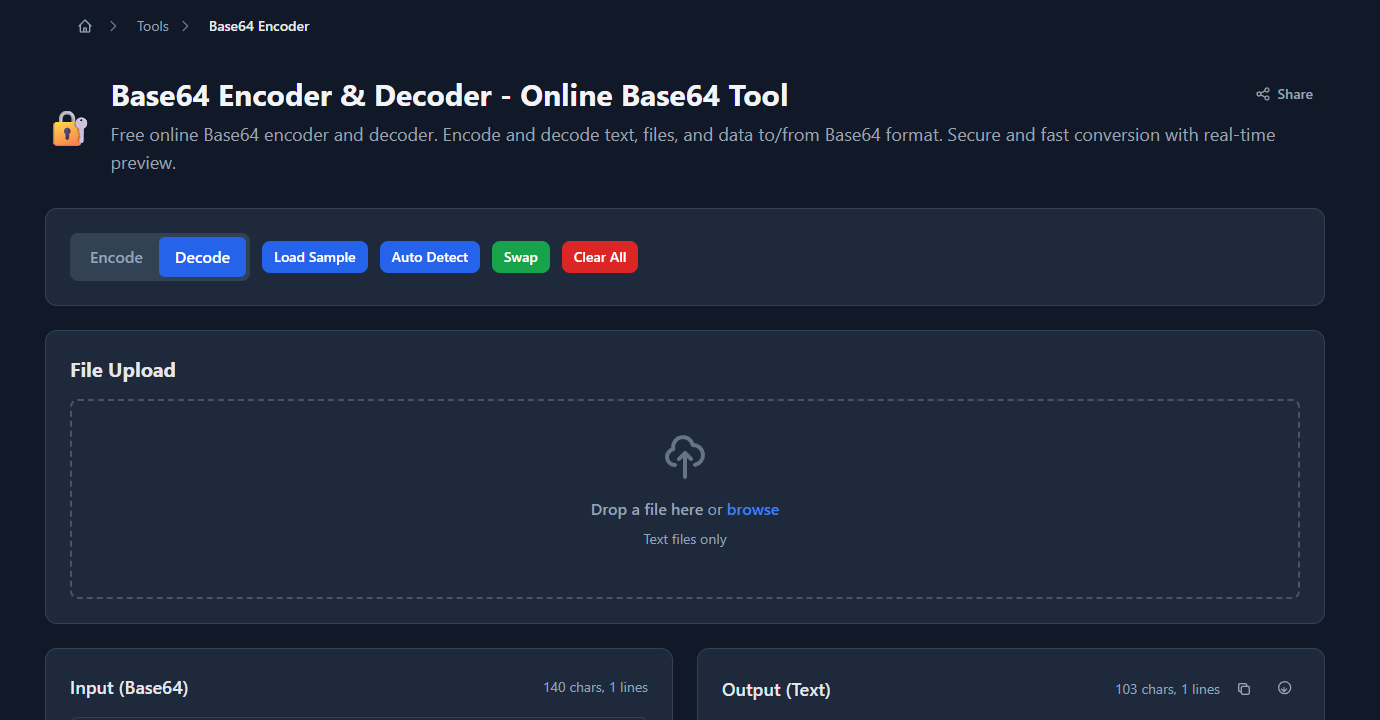
Online (fastest)
Paste text or upload a file at gogood.dev/tools/base64-encoder. Switch between Encode and Decode with one click:
JavaScript (browser and Node.js)
Encode:
// Browser
const encoded = btoa('Hello, developer!');
// "SGVsbG8sIGRldmVsb3BlciE="

// Node.js
const encoded = Buffer.from('Hello, developer!').toString('base64');
Decode:
// Browser
const decoded = atob('SGVsbG8sIGRldmVsb3BlciE=');
// "Hello, developer!"

// Node.js
const decoded = Buffer.from('SGVsbG8sIGRldmVsb3BlciE=', 'base64').toString('utf8');
For binary data (files, images) in Node.js:
const fs = require('fs');

// Encode a file to base64
const encoded = fs.readFileSync('image.png').toString('base64');

// Decode back to a file
const buffer = Buffer.from(encoded, 'base64');
fs.writeFileSync('image-decoded.png', buffer);
For Base64url (JWT-safe, URL-safe variant):
// Encode
const b64url = btoa(str).replace(/\+/g, '-').replace(/\//g, '_').replace(/=/g, '');

// Decode
const b64 = b64url.replace(/-/g, '+').replace(/_/g, '/');
const decoded = atob(b64 + '='.repeat((4 - b64.length % 4) % 4));
Python
import base64

# Encode
encoded = base64.b64encode(b'Hello, developer!').decode('utf-8')
# "SGVsbG8sIGRldmVsb3BlciE="

# Decode
decoded = base64.b64decode('SGVsbG8sIGRldmVsb3BlciE=').decode('utf-8')
# "Hello, developer!"

# URL-safe variant (Base64url)
encoded_url = base64.urlsafe_b64encode(b'Hello').decode('utf-8')
decoded_url = base64.urlsafe_b64decode(encoded_url + '==')
Command line
# Encode
echo -n 'Hello, developer!' | base64
# SGVsbG8sIGRldmVsb3BlciE=

# Decode
echo 'SGVsbG8sIGRldmVsb3BlciE=' | base64 --decode
# Hello, developer!

# Encode a file
base64 image.png > image.b64

# Decode a file
base64 --decode image.b64 > image-decoded.png
Note: echo -n suppresses the trailing newline. Without -n, the newline gets included in the encoded output, which changes the result.
Common Base64 mistakes
Encoding text that doesn’t need encoding
Base64 is for binary-to-text conversion. If you’re storing a plain string in an environment variable, don’t Base64 encode it “for safety” — just store it directly. Base64 adds length, doesn’t add security, and requires a decode step on every read.
Forgetting the -n flag in bash
echo 'secret' | base64        # encodes "secret\n" — includes newline
echo -n 'secret' | base64     # encodes "secret" — correct
The newline byte changes the output: c2VjcmV0Cg== vs c2VjcmV0. This breaks credential comparisons silently.
Confusing Base64 with Base64url
Standard Base64 uses + and /. Base64url replaces them with - and _ for URL safety. If you’re working with JWTs or URL parameters, use Base64url. Using standard Base64 in a URL can corrupt it because + is interpreted as a space.
Assuming Base64 provides security
Base64 is encoding, not encryption. Anyone who sees a Base64 string can decode it in seconds. HTTP Basic Auth credentials, JWT payloads, and anything else Base64-encoded is readable without any key. Don’t use it to “hide” sensitive data.
Decoding binary data as UTF-8
If you decode a Base64-encoded image or binary file and call .toString('utf8'), you’ll get garbage. Binary data isn’t valid UTF-8. Use Buffer.from(encoded, 'base64') (Node.js) or base64.b64decode(encoded) (Python) and keep it as bytes.
FAQ
What is Base64 encoding used for?
The most common uses are: embedding images as data URIs in HTML/CSS, sending binary attachments via email (MIME), encoding credentials in HTTP Basic Auth headers, representing JWT token sections (header and payload), and storing binary values in text-based formats like JSON or environment variables.
Does Base64 compress data?
No — Base64 increases data size by approximately 33%. Three bytes of input become four Base64 characters. It’s a representation change, not compression. If you need to reduce size, compress first (gzip, deflate) then Base64 encode.
Is Base64 the same as encryption?
No. Base64 is trivially reversible by anyone. It provides zero confidentiality. Use TLS for data in transit and AES/RSA for data at rest when you need actual security.
What’s the difference between Base64 and Base64url?
Standard Base64 uses + and / in its alphabet plus = padding. Base64url replaces + with - and / with _, and typically omits padding. Base64url was designed for use in URLs and filenames where +, /, and = have special meaning.
Why does Base64 output end with = or ==?
Base64 encodes 3 bytes at a time into 4 characters. If the input length isn’t a multiple of 3, padding characters (=) are added to complete the final group. One = means 1 byte of padding; == means 2 bytes. The padding makes the output length a multiple of 4, which helps decoders know where the data ends.
Base64 is one of those fundamentals that’s easy to take for granted but worth understanding properly — especially when you’re debugging corrupted data, broken auth headers, or a JWT payload that won’t decode. The rule of thumb: use it when you need to represent binary data as text, don’t use it as a substitute for encryption.
For more on encoding: How to Decode Base64 in the Browser covers the browser-specific patterns, and When to Use Base64 (and When Not To) goes deeper on the decision of when Base64 is and isn’t the right tool.